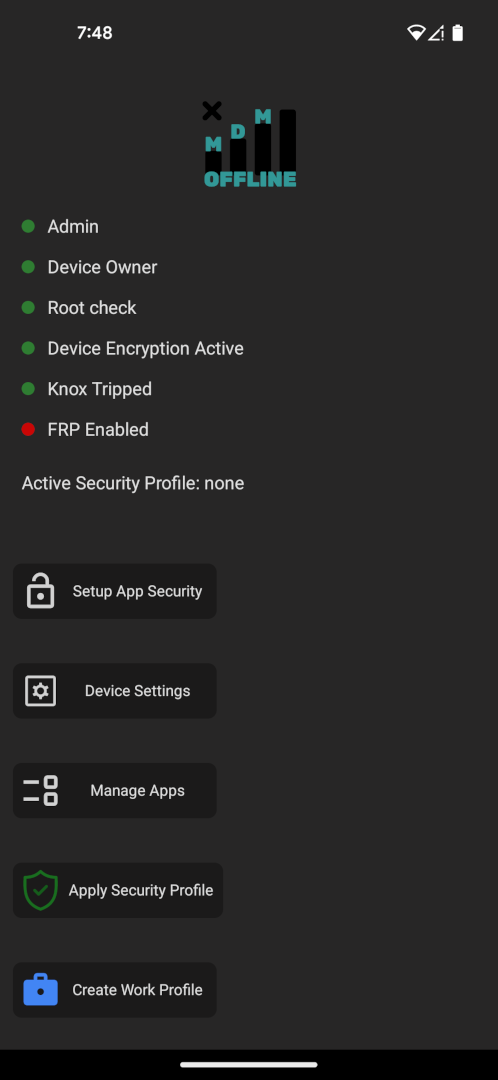
I have had the app for a while but never found time to add features. I took this weekend to really plus it up. If you are not device owner most if not all features will not work. The app will just crash. I am adding more error handling and messages later.
Consider this a beta release
Working Features
Transfer Device Owner to/from another app that supports Owner Transfer
Can be Pin/Password Protected
Biometrics in future update
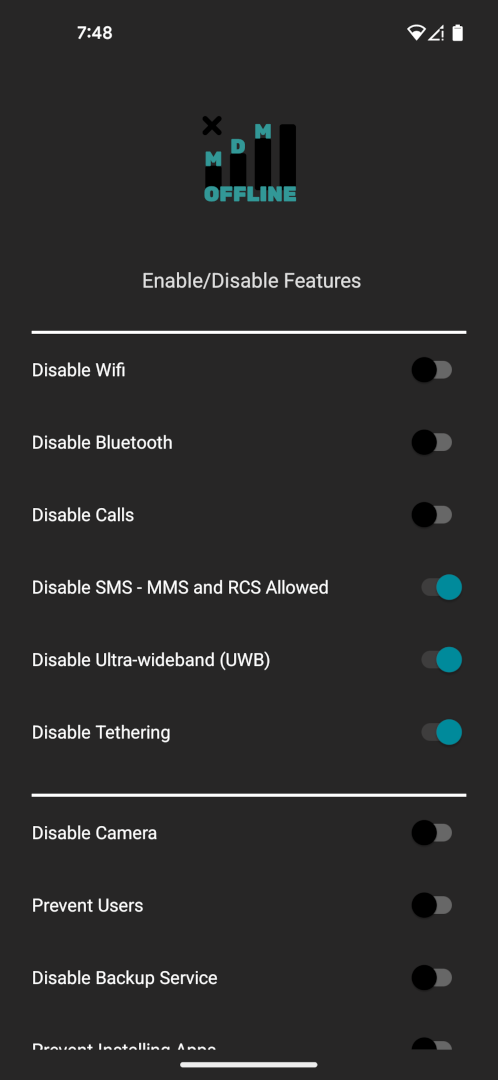
Disable Wifi
Disable Bluetooth
Disable Outbound Calls
Disable SMS
MMS and RCS still work - I think, need to test
Disable NFC - Android 15+
Disable Ultra Wideband (UWB) - Android 14+
Disable Tethering
Disable Camera
Prevent Users
Disable Backup Service
Prevent App install
Prevent Safe Mode/Boot
Prevent Screen Capture
Prevent Factory Reset
Prevent Debugging Features (USB Debug in developer settings)
View FRP Status
Future change FRP protection
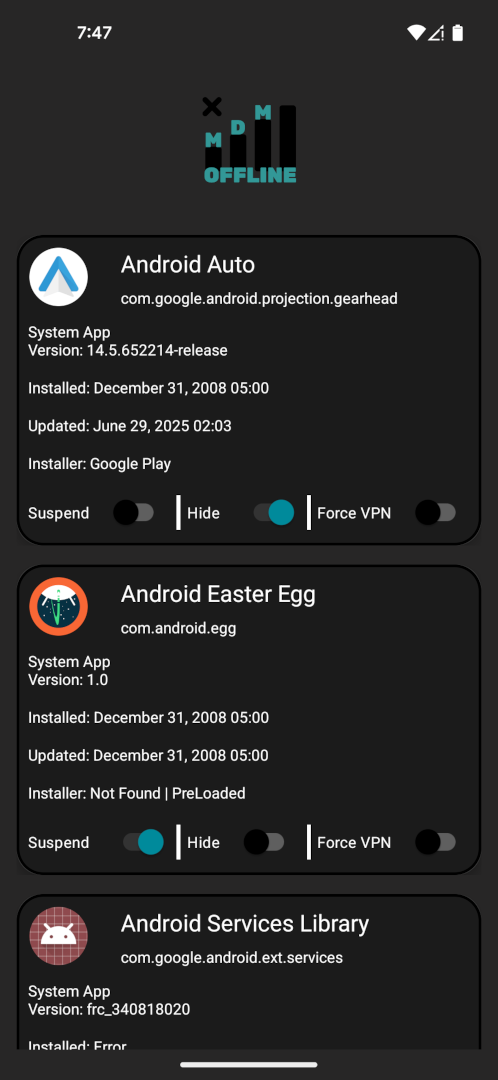
List all apps on device, each app you can
Suspend App - Can still be seen but not used
Hide App - disabled and removed from launcher - data remains intact
TODO
Search and filter apps
More layout tweaks
Let you create, share, and import profiles to lock down devices how you want
There is no Crashlytics or other crash monitoring software by design - offline - if it keeps crashing on you and you are Device Owner let me know. There is a way to send me your logs
Suspended App “will not be able to start activities. Its notifications will be hidden, it will not show up in recents, will not be able to show toasts or dialogs or ring the device”
The icon in the launcher is grayed out, and if you try to open the app you get popup saying your IT admin has prevented this
Hidden app “When a package is hidden it is unavailable for use, but the data and actual package file remain”
The icon in the launcher disappears, and it looks like the app is uninstalled until it is shown
In my experience using testdpc to test this, I’ve seen it suspended on the phone, as @rriven described, yet still function on the car while using AA. Sometimes. No idea why or how…
In my experience, work profiles are very hit or miss. Sometimes restarting the device will allow a work profile to be crated.
Also, ensure that Prevent users is not enabled
After a disable or hide an app even when i doable or unhide the app i cant get it on to the launcher screen i could open it in settings but not on to the launcher screen