Let’s try to figure this one out…
because i want to integrate it into ROMs - and it should be easy to add urls, in other words, the hosts file should work for everything, even wild-card ones…
Btw you may not need a new script. Many phones already have an oem-iptables-init.sh which runs on boot to set up some iptables rules. Just add yours in
That could work, but you’d still need to start AdGuardHome, no?
Yeah I was just replying to that one point. Starting it would need additions to init.rc or a custom rc
That’s a kinda plan.
Woohoo!
Are you able to use your magisk mod? Does it have magisk module support, just no manager?
Think of the possibilities with a remotely update-able GitHub list.
Does this solve your login issue?
I’ll put the binaries and boot scripts in the ROM… Let’s see.
how do i add this into my rom?
Wait for @TripleU
Yeshivish way:
Don’t add it to the ROM, flash the modified module in magisk after installation, reboot, verify it’s working, then delete magisk manager.
I’d wait for a better solution.
Won’t run, and gets deleted after factory reset
I’ll have to try again, I though I remembered modules still working as long as they are flashed before.
I know 100 percent that apps granted root access from before still work after uninstalling.
Will try.
I need to rename all script paths to look for something in /bin instead of /data/adb
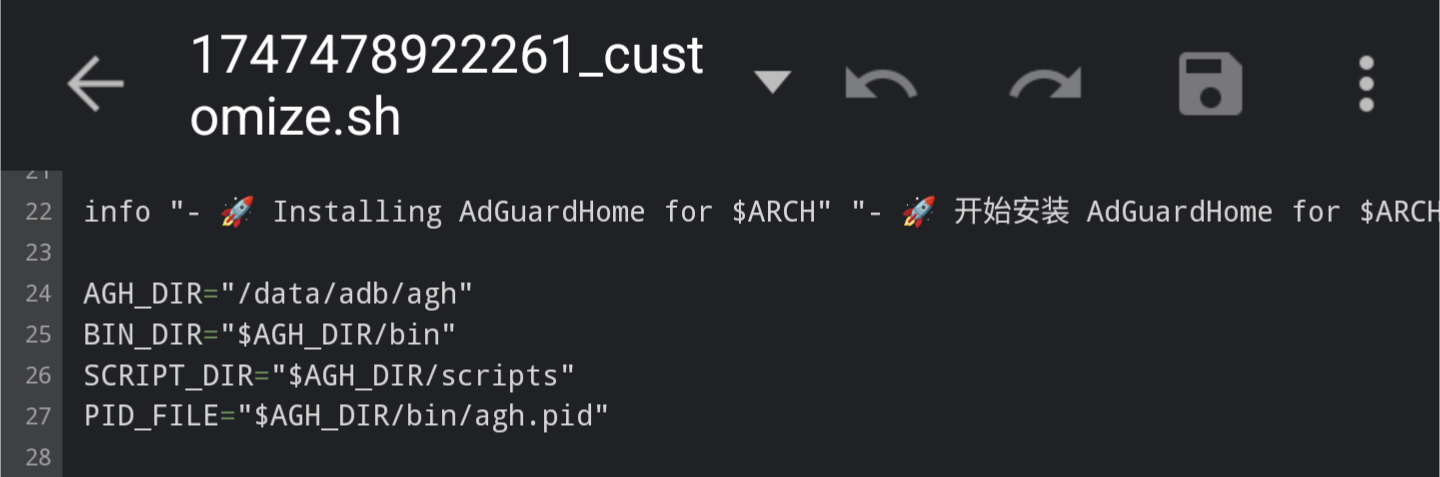
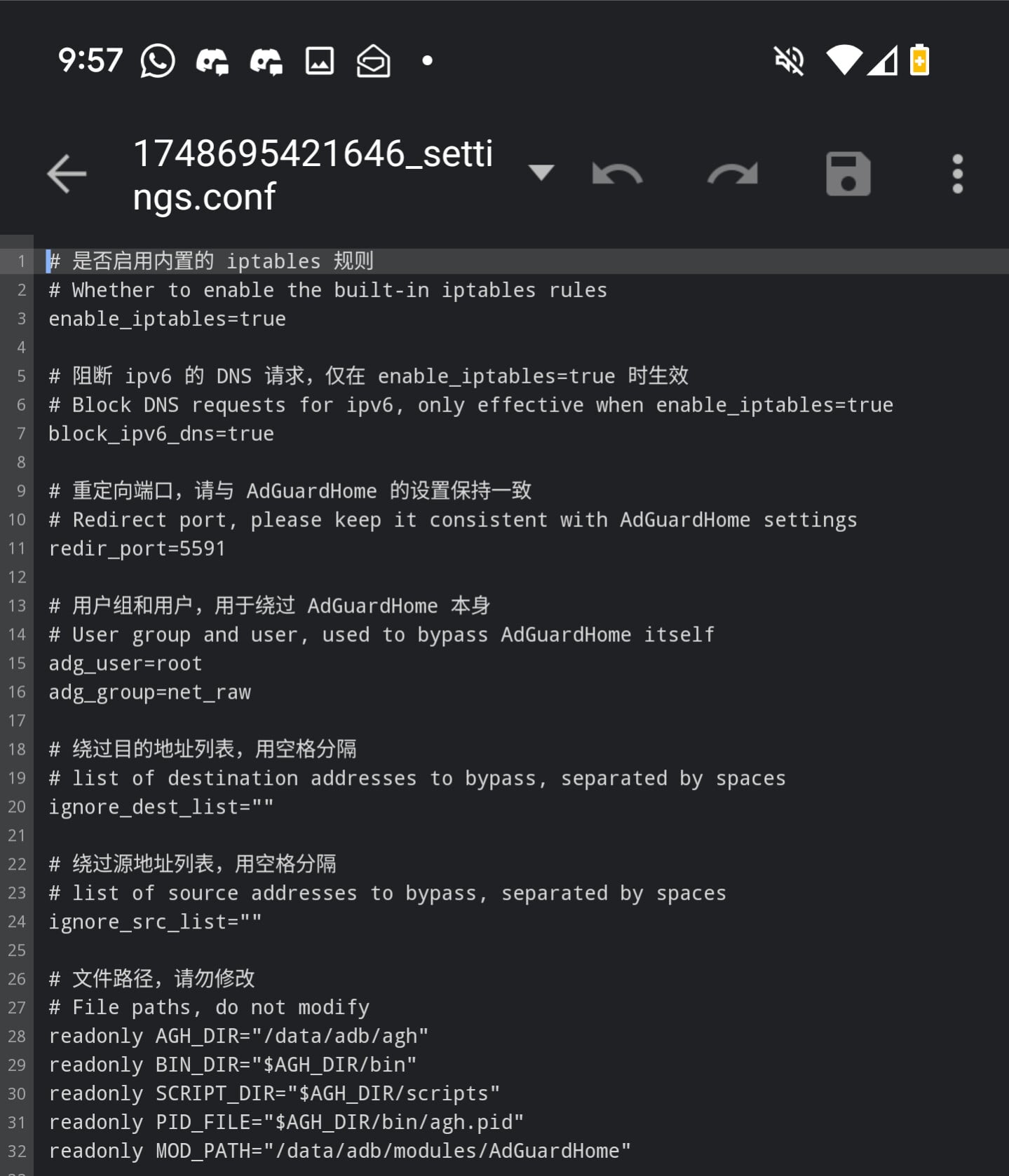
Confirmed working.
Magisk manager uninstalled, adguardhome still operating.
Tested on OnePlus 8 - JaguarOS
Interesting… Anyways, I don’t need to uninstall magisk. I have a custom version that blocks modules etc.
what I do need is that it should survive a factory reset - which means that all functions have to be moved to /system
/system/bin?
Where are you going to keep the module?
Module? scripts in /etc RCs in /init and binaries in /bin
but the problem will be if the adguard binary looks for the scripts and databases in /data…
That’s why I posted those screenshots