ars18
September 29, 2025, 7:54pm
1
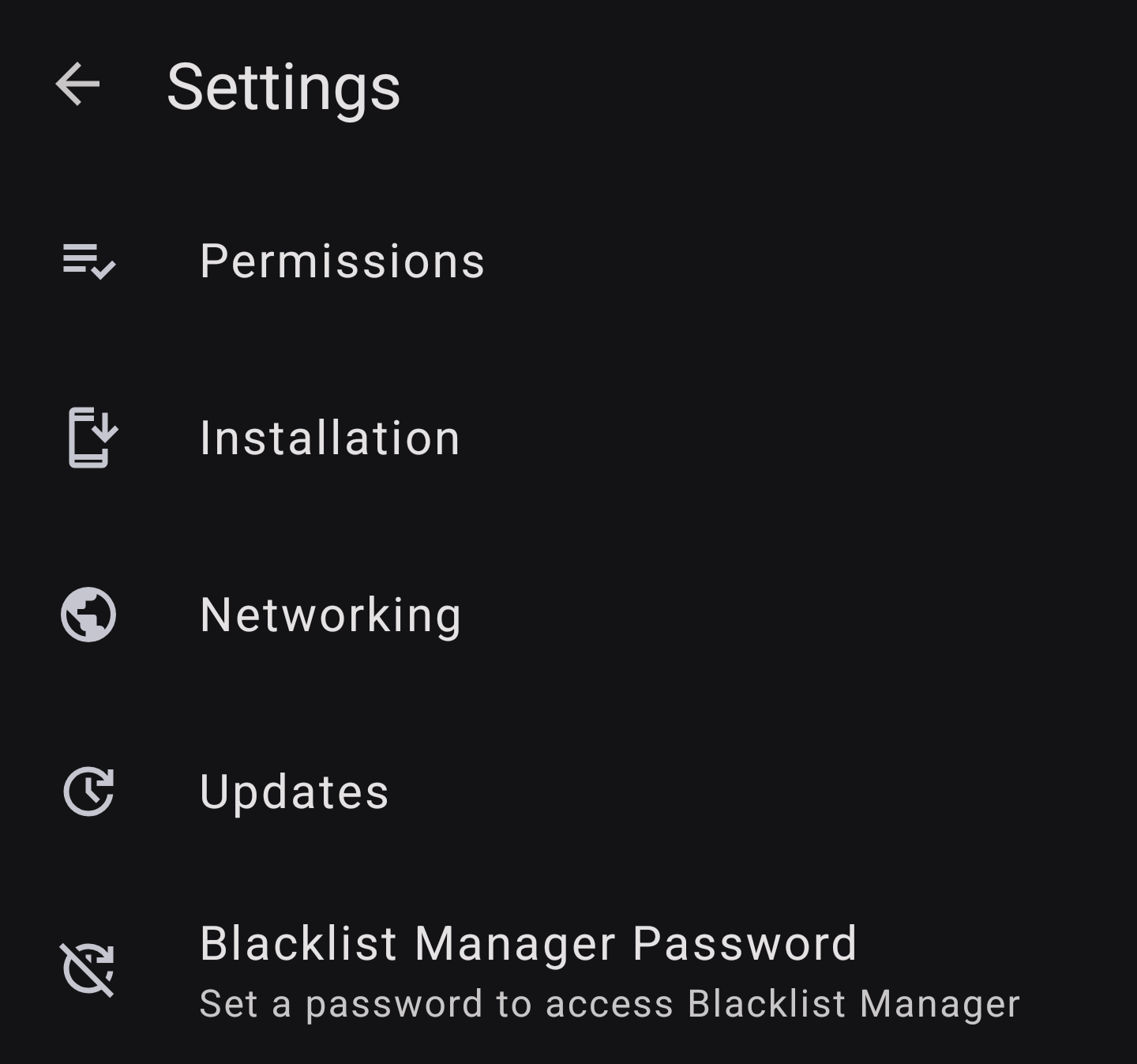
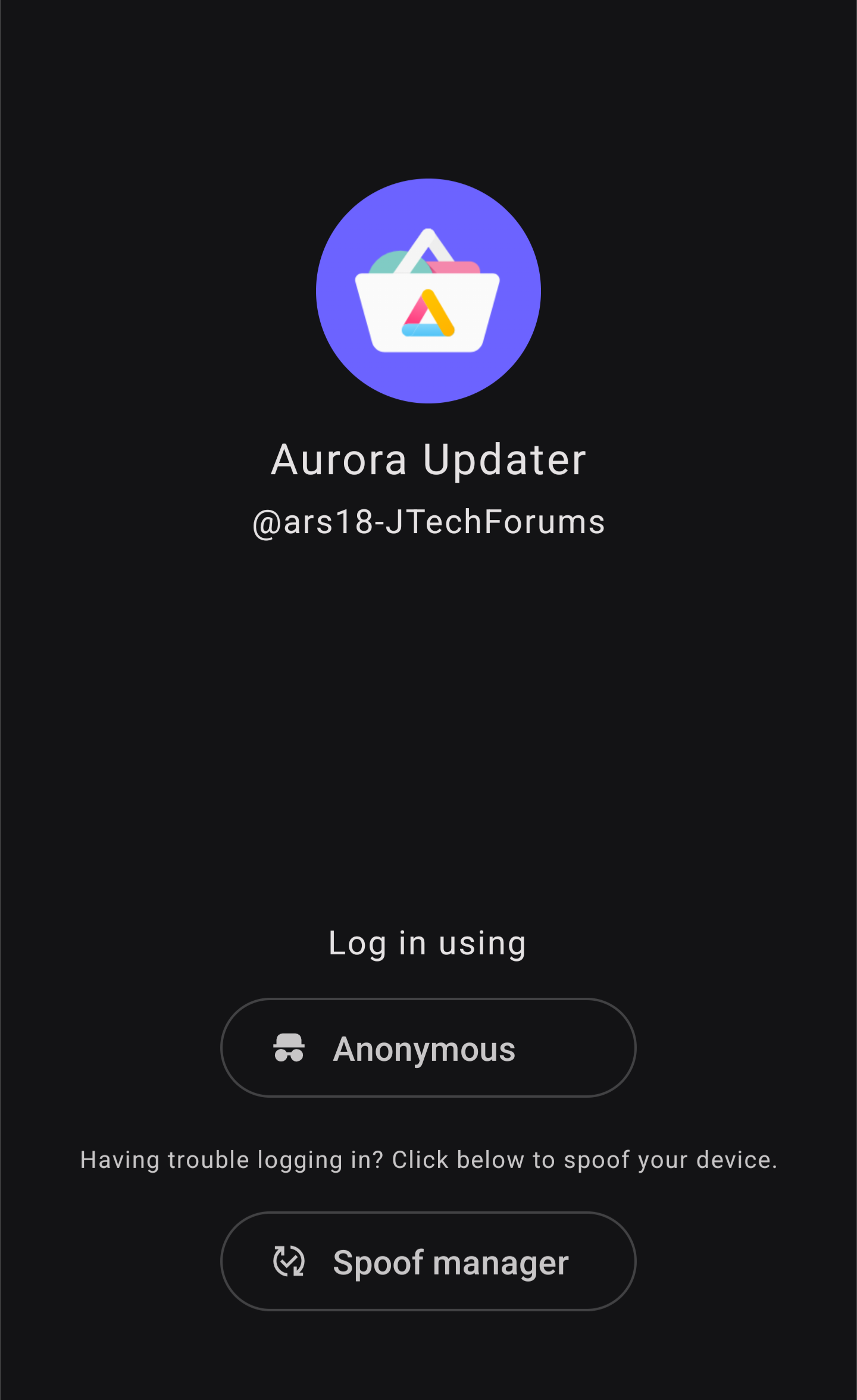
Some people were having issues with using anonymous login. Use spoof manager in settings if you have this issue.
This is by no means a permanent fix, I’m sure Google will find a way to break things.
Think of this as a pre-release, though it’s been reported working well. Let me know if there are issues or bugs.
Contribute to alltechdev/AuroraUpdater development by creating an account on GitHub.
Yes, you may use it in ROMs or however you please yadada. Please don’t remove the about page. Can’t stop you, but it would be appreciated. Thanks.
ars18:
Alternate version
Remote blacklist URL
Auto-blacklist updates every 15 seconds while app is runningAutomatic UI refresh when blacklist changes (no manual pull-to-refresh needed)Smart change detection - only updates when blacklist actually changes
You will have to build it yourself to input your URL. Fork the repo. Instructions there.
There is a GitHub Actions auto build If you don’t have a system or the know-how to set everything up.
Readme
README-BLACKLIST.md
Repo
GitHub - alltechdev/AuroraUpdater at feature/auto-blacklist-updates · GitHub
chatzie
September 30, 2025, 12:45am
2
Great Job!!
and opensource….
it still is possible to access other apps though (in the downloads page)
Thanks again!
Aron
September 30, 2025, 5:39am
4
letting you guys know that you should use the spoof from the last option in the list API 30 its also xioami device.
DO NOT USE THE SECOND OPTION (SONY) UPDATES WILL NOT COME UP.
ars18
September 30, 2025, 3:15pm
5
There was an issue where google play links opened in AuroraUpdater will navigate to app info page and allow install of apps.
Disabled Google Play link handling by removing intent filters for APP_MARKET , ACTION_SEND , and ACTION_SHOW_APP_INFO
Blocked navigation to app details from external intents — now it always opens on the Updates tab
Changed login screen text from “Please log in to your Google Play account” to “@ars18-JTechForums ”
@chatzie Bump!
chatzie
September 30, 2025, 5:39pm
8
the crowd is to busy downloading it, to comment….
ars18
September 30, 2025, 8:58pm
11
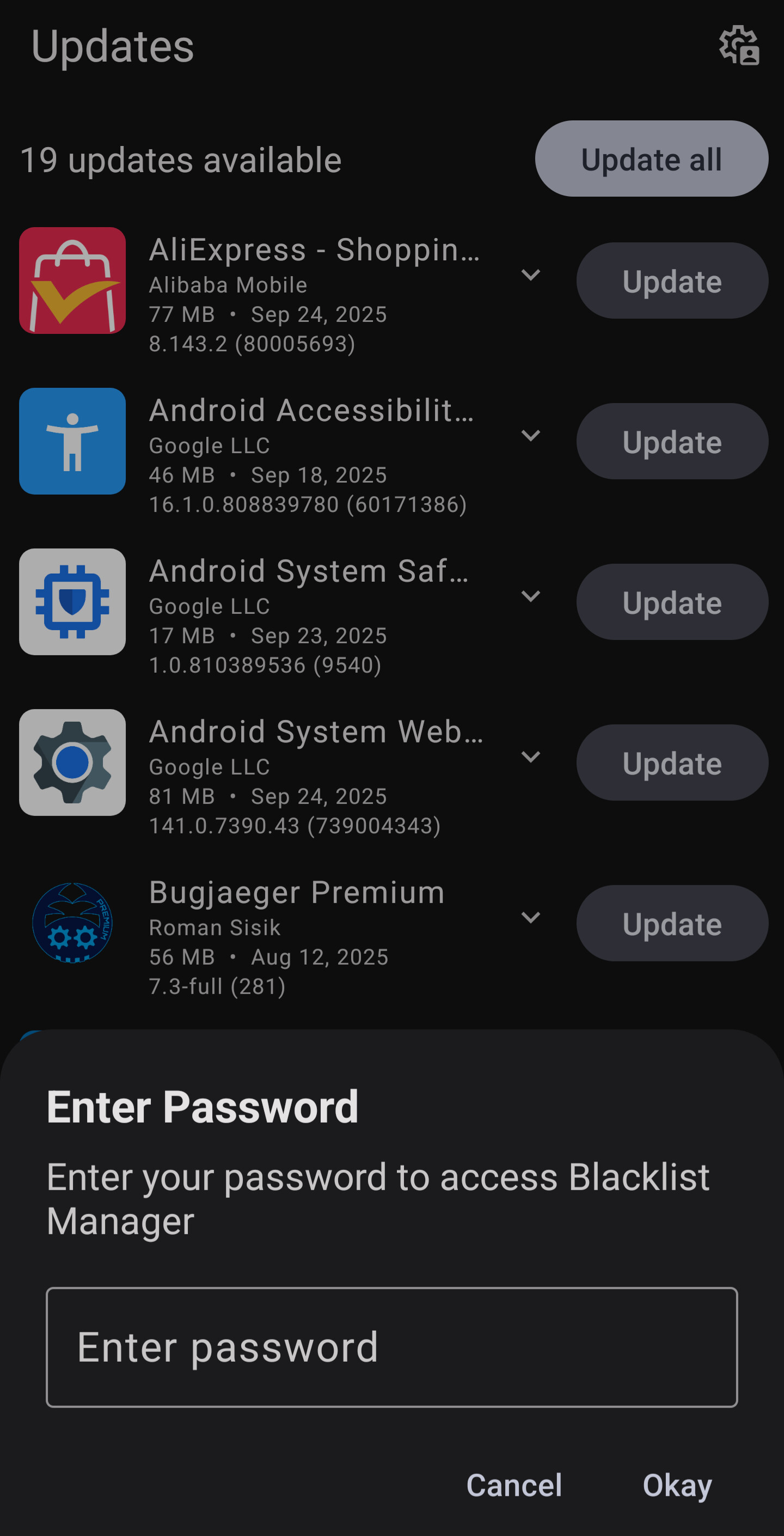
Haha, big bug, you can change the password without previous
ars18
October 1, 2025, 3:44pm
14
Auto-blacklist updates every 15 seconds while app is runningAutomatic UI refresh when blacklist changes (no manual pull-to-refresh needed)Smart change detection - only updates when blacklist actually changes
You will have to build it yourself to input your URL. Fork the repo. Instructions there. Make sure not to fork only the master branch.
There is a GitHub Actions auto build If you don’t have a system or the know-how to set everything up. All you have to do is create the json and change the link where specified.
README-BLACKLIST.md
@anonymousfliphones
Aron
October 5, 2025, 5:53am
15
anyone with an idea the spoof is not an option i tried a couple of them and its the wrong updates it screws up your phone you have to use the original config but the original doesnt work
Aron
October 5, 2025, 7:02am
17
Edit!! Use this magisk module to make your phone a pixel 7 and use default spoof.
Warning may ruin your Certification in Google Play.
TripleU
October 16, 2025, 4:31am
19
ab123
October 16, 2025, 5:53am
20
if the phone has egate and app install is blocked and also the phone is not rooted, will it still update the apps?